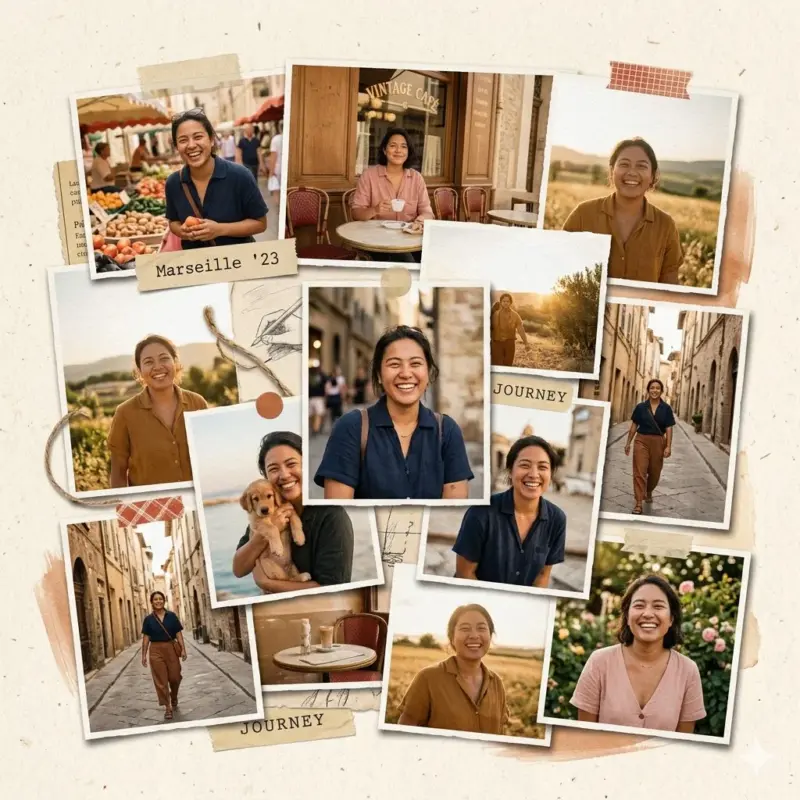
Not the perfectly aligned, ultra-clean digital ones—but the raw, tactile kind. The kind that looks like someone sat at a desk, cut photos by hand, layered them imperfectly, and glued them together with intention.
That slightly messy, handcrafted aesthetic has roots in vintage magazine art from the 60s and 70s—think pop-art posters, scrapbook diaries, and editorial spreads. It’s expressive. It’s human. And most importantly, it tells a story.
Modern digital tools often miss that charm. They tend to over-polish everything—too smooth, too perfect, too artificial.
But now, with AI tools like Google Gemini, you can recreate that handcrafted collage vibe—without touching glue or scissors.
Tool Recommendation: Why Gemini (Pro) Works So Well
If you’re serious about creating beautiful, realistic collages, use Gemini’s Pro model, powered by advanced systems like Nano Banana Pro.
Why this matters:
- It understands textures (paper grain, rough edges, matte surfaces)
- It creates depth (layering, shadows, overlaps)
- It avoids that overly “AI-polished” look when prompted correctly
In short, it doesn’t just generate images—it builds visual stories.
As noted in your reference workflow, you simply upload photos, add a prompt, and Gemini handles the design instantly.
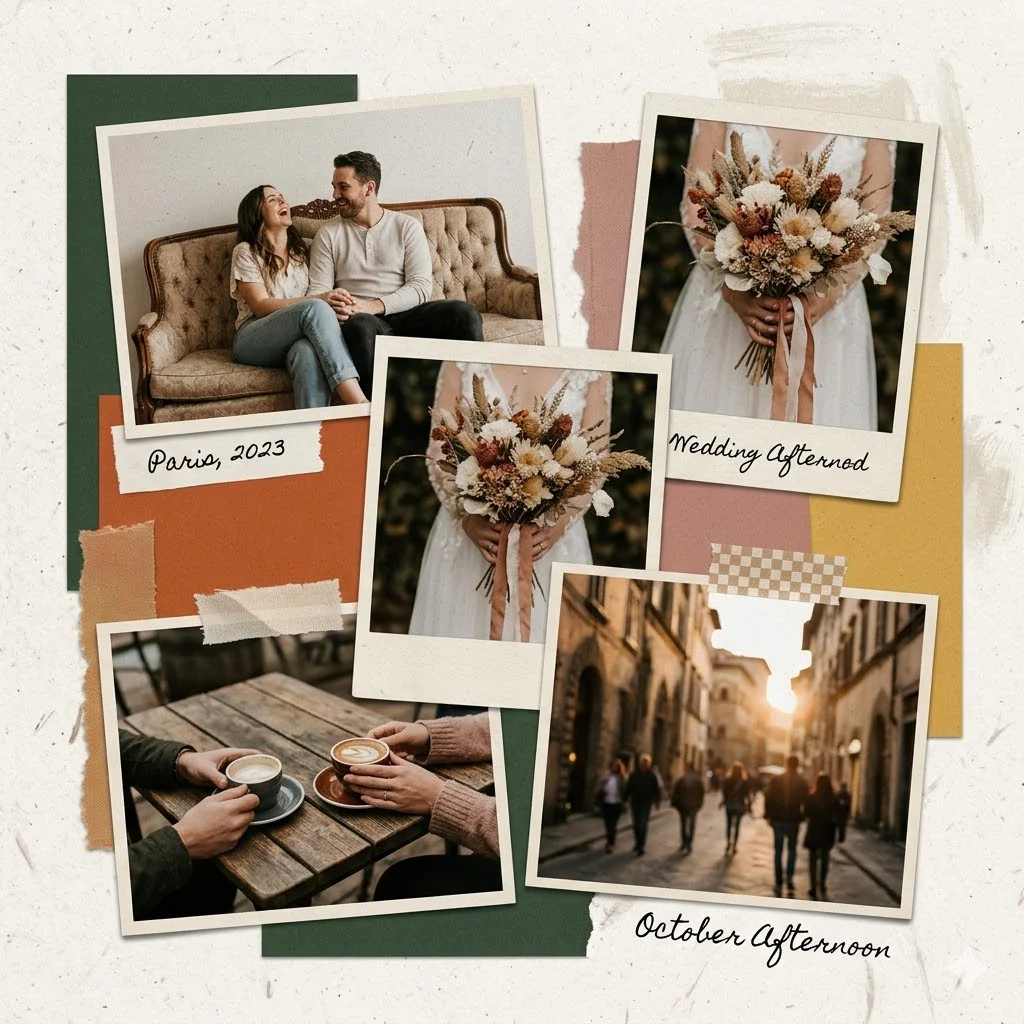
Create a handcrafted-style photo collage featuring [MAIN SUBJECT or uploaded photos].

The composition should include layered photo cutouts arranged in an organic, slightly imperfect layout. Each image should have visible paper textures such as subtle grain, matte finish, and realistic paper fibers.

Use overlapping layers with slight rotations and uneven alignment to create a natural scrapbook feel. Add soft drop shadows between elements to enhance depth and realism.

Incorporate a cohesive [COLOR PALETTE] throughout the background and supporting elements. The background should include light paper textures, subtle noise, or soft brush marks.

Ensure the collage feels tactile and handmade, not digital.

Avoid smooth digital gradients, 3D rendering, glossy finishes, hyper-realistic lighting, or overly polished effects.

The final result should look like a physical collage assembled by hand, with a warm, artistic, and slightly imperfect aesthetic. Aspect ratio [1:1 or 4:5].
Why This Prompt Works (The Technical Breakdown)
1. Texture Instructions = Realism
When you explicitly mention:
- paper fibers
- grain
- matte finish
…the AI shifts from “digital image mode” to “physical material simulation.”
That’s what gives your collage that touchable feel.
2. Depth Cues = Professional Look
Words like:
- overlapping layers
- drop shadows
- slight rotation
…tell Gemini to create spatial hierarchy. This prevents flat, lifeless layouts and makes your collage feel dynamic and intentional.
3. Negative Constraints = Style Control
This is the secret most people miss.
By saying:
- “avoid glossy effects”
- “avoid smooth gradients”
- “avoid 3D rendering”
…you stop the AI from defaulting to a modern, polished aesthetic.
Instead, it leans into imperfection—which is exactly what makes collages beautiful.
Three Diverse Example Prompts
1. Travel Memory Collage (Warm Vintage Feel)
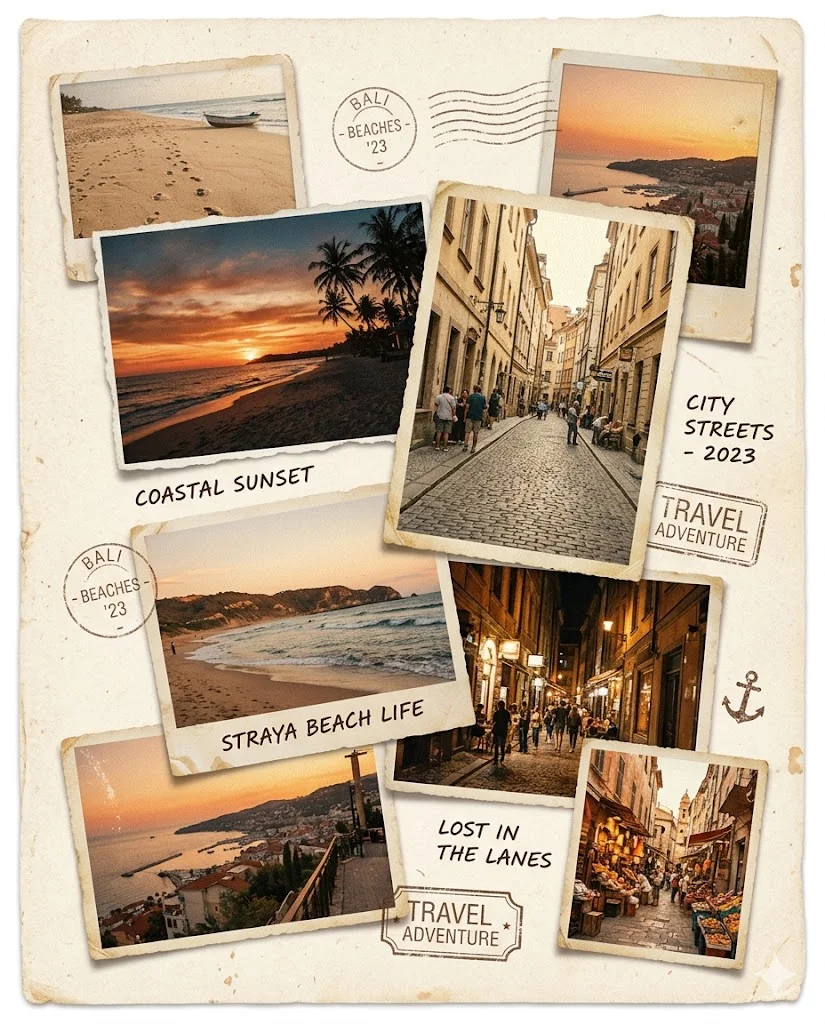
Create a handcrafted-style photo collage featuring travel photos of beaches, sunsets, and city streets.

Use warm earthy tones like beige, burnt orange, and faded yellow. Add paper textures, grain, and slightly torn edges.

Arrange photos in overlapping layers with soft shadows and slight rotation. Include subtle handwritten-style notes and small stamp elements.

Avoid glossy effects, 3D rendering, and digital gradients. Keep the look nostalgic and scrapbook-inspired. Aspect ratio 4:5.
2. Fashion Editorial Collage (Modern Minimal Style)
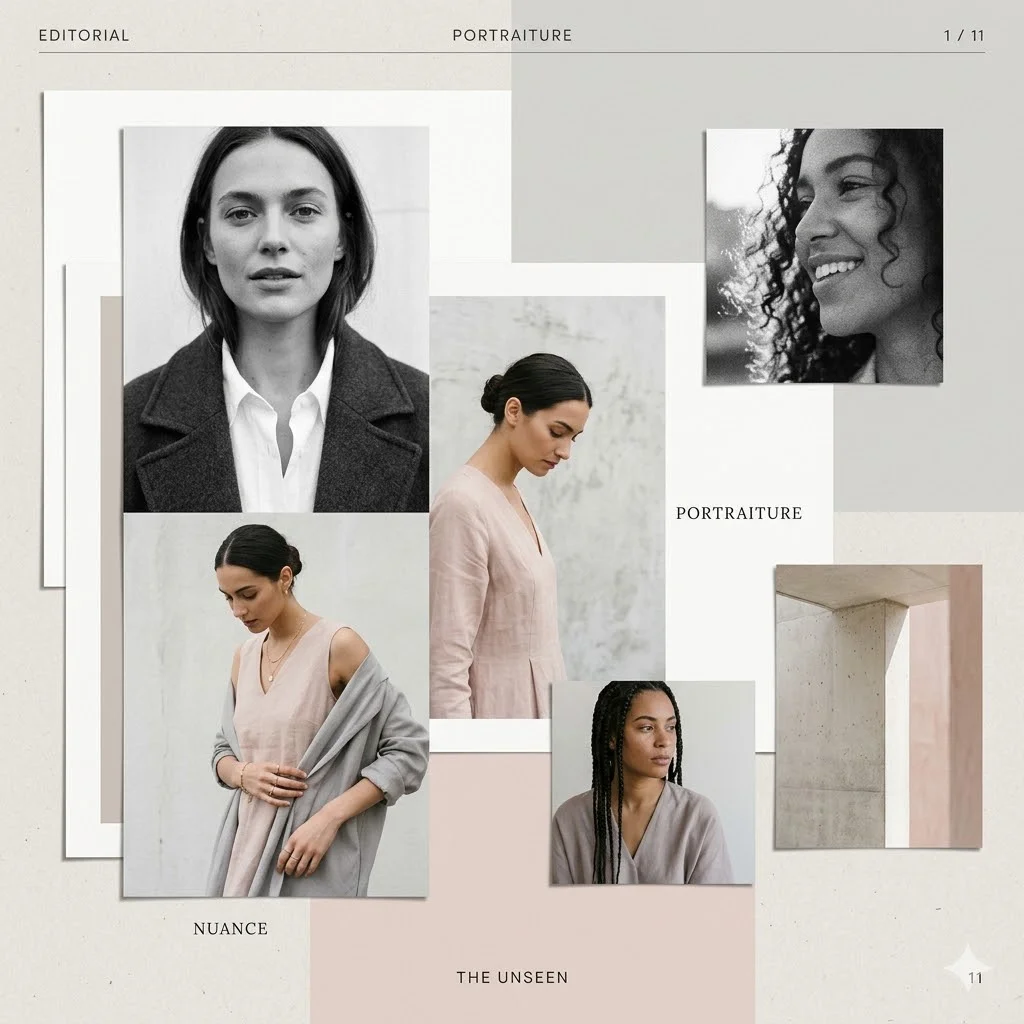
Create a modern editorial collage using portrait photos.

Use a neutral color palette of white, grey, and soft blush tones. Add matte paper textures and subtle grain.

Arrange images asymmetrically with clean overlaps and soft shadows. Keep spacing intentional and minimal.

Avoid overly polished finishes, glossy effects, or 3D depth. Maintain a premium magazine aesthetic. Aspect ratio 1:1.
3. Creative Pop-Art Collage (Bold & Energetic)
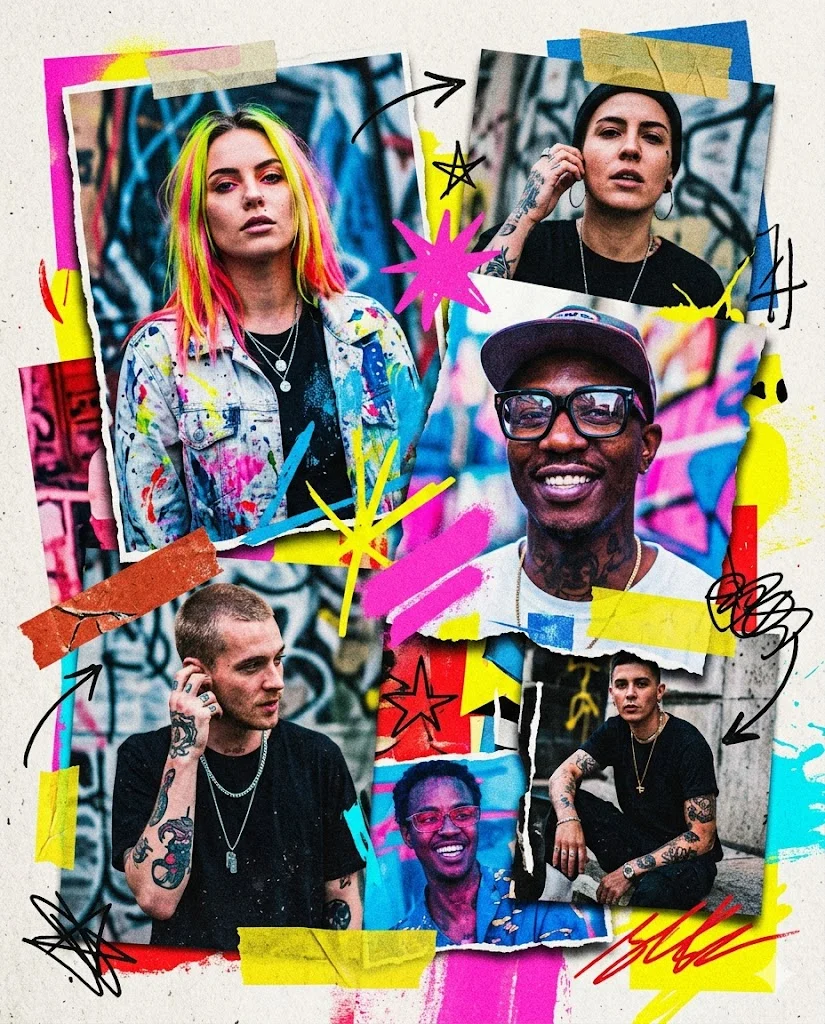
Create a bold artistic collage featuring street-style portraits.

Use a vibrant color palette of neon pink, electric blue, and bright yellow. Add rough paper textures and visible grain.

Layer images dynamically with strong overlaps, torn edges, and dramatic shadows. Include abstract shapes and paint strokes.

Avoid smooth gradients and hyper-realistic lighting. Keep the style playful, energetic, and slightly chaotic. Aspect ratio 4:5.
Pro Tips & Troubleshooting
If your collage looks too digital, try this:
- Regenerate the image (seriously—second attempts are often better)
- Add phrases like:
- “visible glue marks”
- “torn paper edges”
- “handwritten notes”
- “ink smudges”
- Reduce words like “clean,” “perfect,” or “sharp”
If it looks too messy:
- Add “balanced composition”
- Use “consistent color grading”
- Reduce excessive textures